Schedule Campaigns When Your Audience Is Actually Engaged
Running campaigns 24/7 means showing ads to disengaged audience segments. Weekend CPAs 30% higher. 3am impressions to sleeping prospects. Budget exhausted before high-intent windows.
How Linklo Solves It
The Test: My Sales Coach, B2B SaaS lead generation campaigns with gated assets.
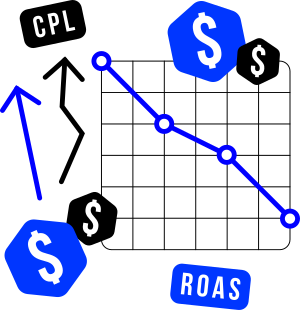
Before Scheduling
- Running campaigns 24/7
- CPM: £100-150
- CPL: £60-70
- Manual daily management
Discovery Phase
- Heatmap showed clear weekday morning pattern
- Hourly Metrics revealed 7-11am optimal window
- Weekend performance consistently poor
Implementation:
- Set schedule: 7-11am, Monday-Friday only
- No other changes (same targeting, creative, budget)
After Scheduling:
- CPM: £30-40 (-70%)
- CPL: £7-12 (-85%)
- Lead volume: Same or higher
- Management time: Zero (automated)
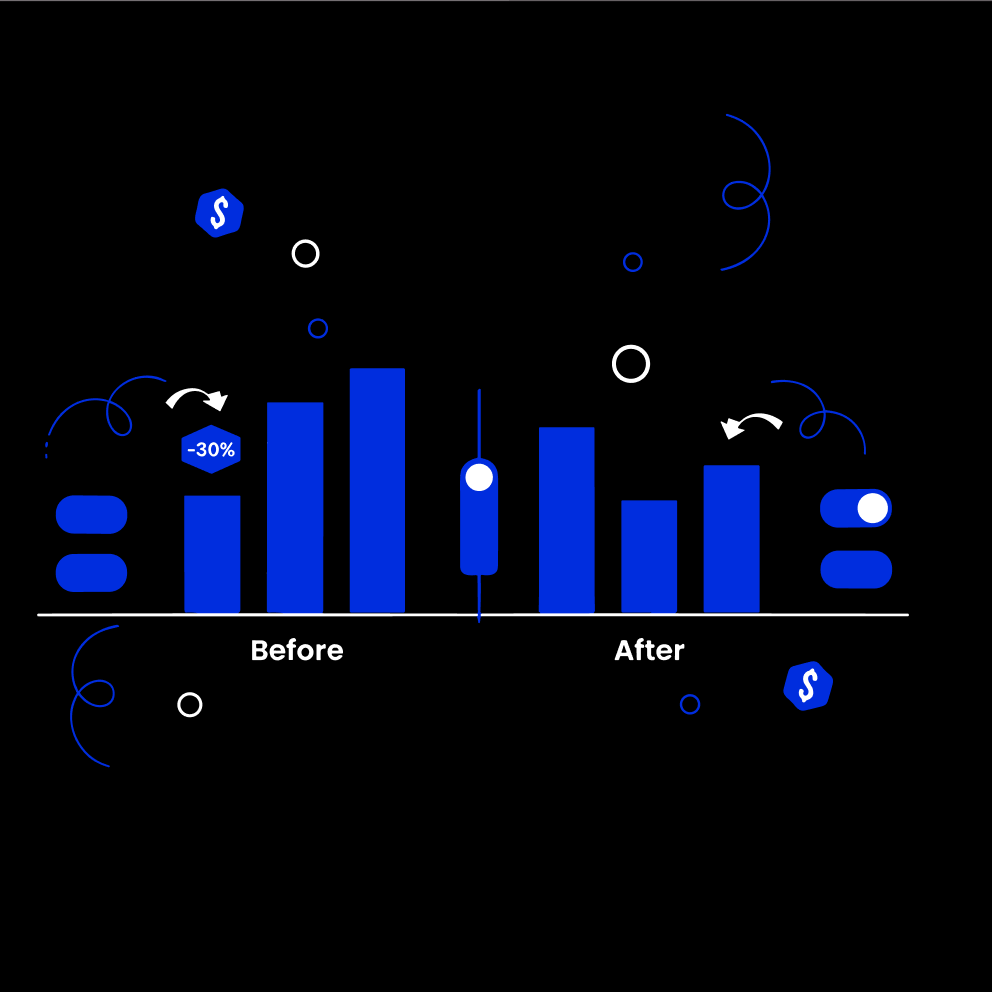
LinkedIn rewards high engagement with lower CPMs.
By showing ads only when the audience was actively browsing (morning commute, start of workday), every impression became more valuable.
The algorithm recognized the strong engagement and reduced costs.
This is real audience optimization – not just “scheduling campaigns”, but strategically targeting engaged behavioral segments within your audience.
Discover Optimal Windows
- Heatmap: See performance by day of week across all campaigns
- Hourly Metrics: See performance by hour of day across time zones
- Visual analytics show when your audience engages vs when they ignore
Automate Targeting
- Scheduling: Set time windows once; platform activates/deactivates 24/7
- Manage global time zones automatically
- Email confirmations for every activation/deactivation
- Intraday schedules (multiple windows per day)
Real Results:
My Sales Coach: CPM dropped £150 → £30 (-70%),
CPL dropped £70 → £7 (-85%).
Same targeting, same creative.
Wasted Impressions stopped
See When and Where Your Audience Actually Engages
The Problem:
You’re guessing which audience segments perform best. Exporting to Excel to find patterns. Can’t see hourly engagement windows. Missing high-intent behavioral segments.
How Linklo Solves It
Heatmap
- Performance by day of week across all campaigns
- Every metric LinkedIn exposes (impressions, clicks, leads, spend, etc.)
- Color-coded: See patterns at a glance
- Export to PNG/PDF for reporting
Hourly Metrics
- Performance by hour of day
- Time-zone adjusted to your audience
- Starts collecting from day 1 (can’t see past data, but builds forward)
- Discover 6-9am is your golden window
Use Discovery to Drive Automation
- See pattern in Heatmap → Create schedule for optimal days
- See pattern in Hourly → Create intraday schedules
- Evidence-based optimization, not guesswork
Real Results:
Knowing when our ads actually perform, down to the hour, has transformed when and how we run campaigns.
Enterprise Linkedin Advertiser
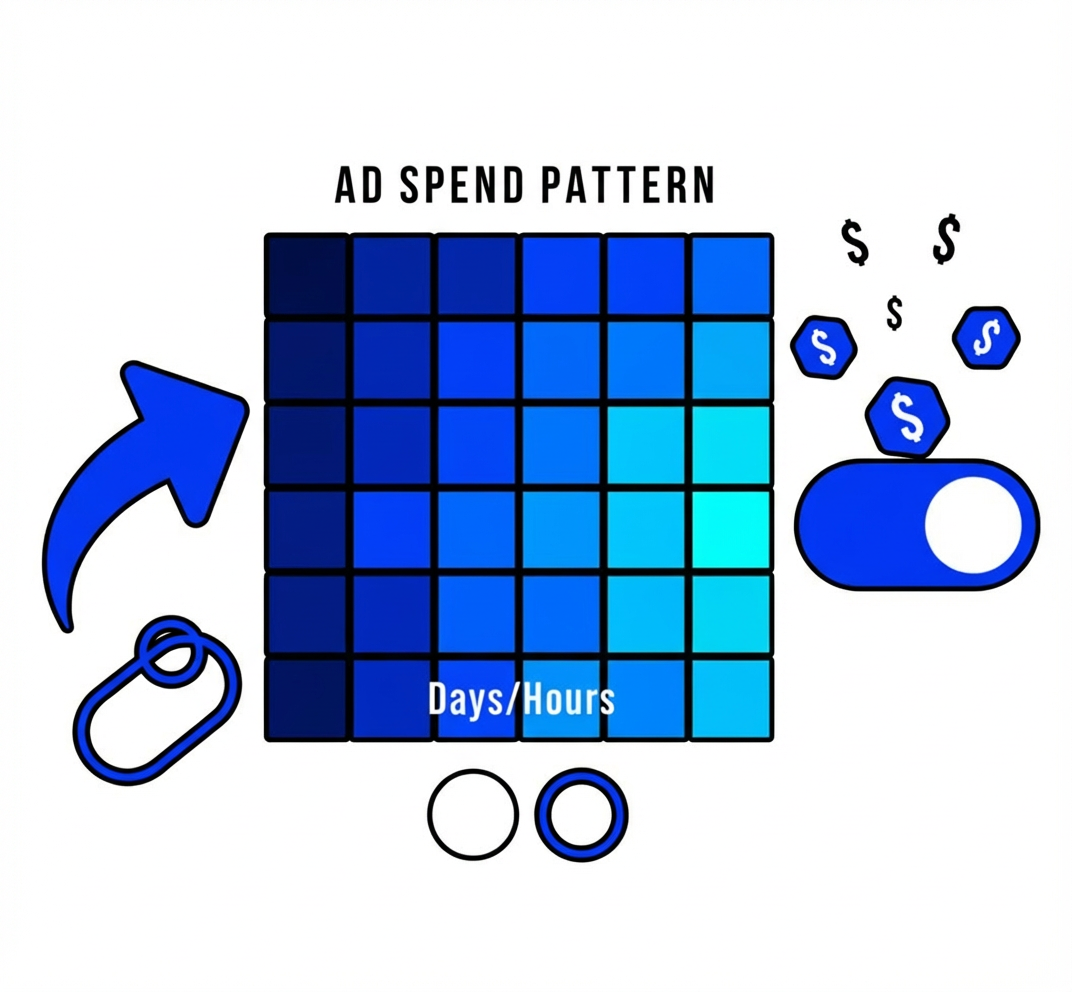
These Capabilities Work Together—Not in Silos
The power of Linklo isn’t just individual features. It’s how they combine to give you complete audience optimization.

Linkedin Ads Optimization
- Heatmap discovers weekday mornings perform best
- Scheduling automates campaigns to run 6-9am only
- Company Flows excludes companies after 2 conversions
- Budget Alerts prevent overspend during tests
- Result: CPL drops 85%, budget protected, no manual work
Account-Based Efficiency
- Hourly Metrics reveals specific hours drive engagement
- Scheduling activates during those hours across time zones
- Company Flows moves high-performers to different campaigns
- Ad Performance shows which creatives work best for each stage
- Result: Even impression distribution, optimal creative-audience fit
Agency Multi-Client Management
- Dashboard shows all clients in one place
- Budget Alerts prevent overruns across all accounts
- Scheduling runs optimal times per client audience
- Ad Performance bulk reviews all client creatives weekly
- Result: Manage 10 clients with tool overhead of 1
See How It Works With Your Campaigns
Book a demo and we’ll show you Linklo with your actual LinkedIn ads data.